
Searching York County Civil Dockets
The statewide entry point for public York County civil records is the official Nebraska JUSTICE one-time search. It covers County Court and District Court material. Type the party name exactly as the court recorded it. Pick York County and the court type. Narrow the search by year and civil case type. Know the cost before you begin. The live interface states a $17 charge per search even when nothing turns up. It also lists a limit of 30 cases, a three-day result window, and a 24-hour lag notice. Let the filing or notice tell you which court, rather than guessing from one fact. Match the caption, case number, judge, attorney, and filing date against what JUSTICE returns. The system can display the case summary, register, schedule, financial information, and eligible document images. Still, none of that replaces an official certified copy from the clerk.
- Open JUSTICE and choose an individual or entity party search.
- Enter the party name, select York County, and select County Court or District Court.
- Narrow by case year and by CI, SC, or PR when the classification is known.
- Open the matching case only after checking its caption, case ID, court, judge, and filing date.
- Read the Register of Actions through the latest setting, order, judgment, or satisfaction entry, then ask the clerk for the specific document needed.
For a look at the layout, the official JUSTICE result demonstration displays the fields you check when confirming a match: case number, caption, judge, attorney, and the link into case details. It is a structural sample only, not an actual York case record.
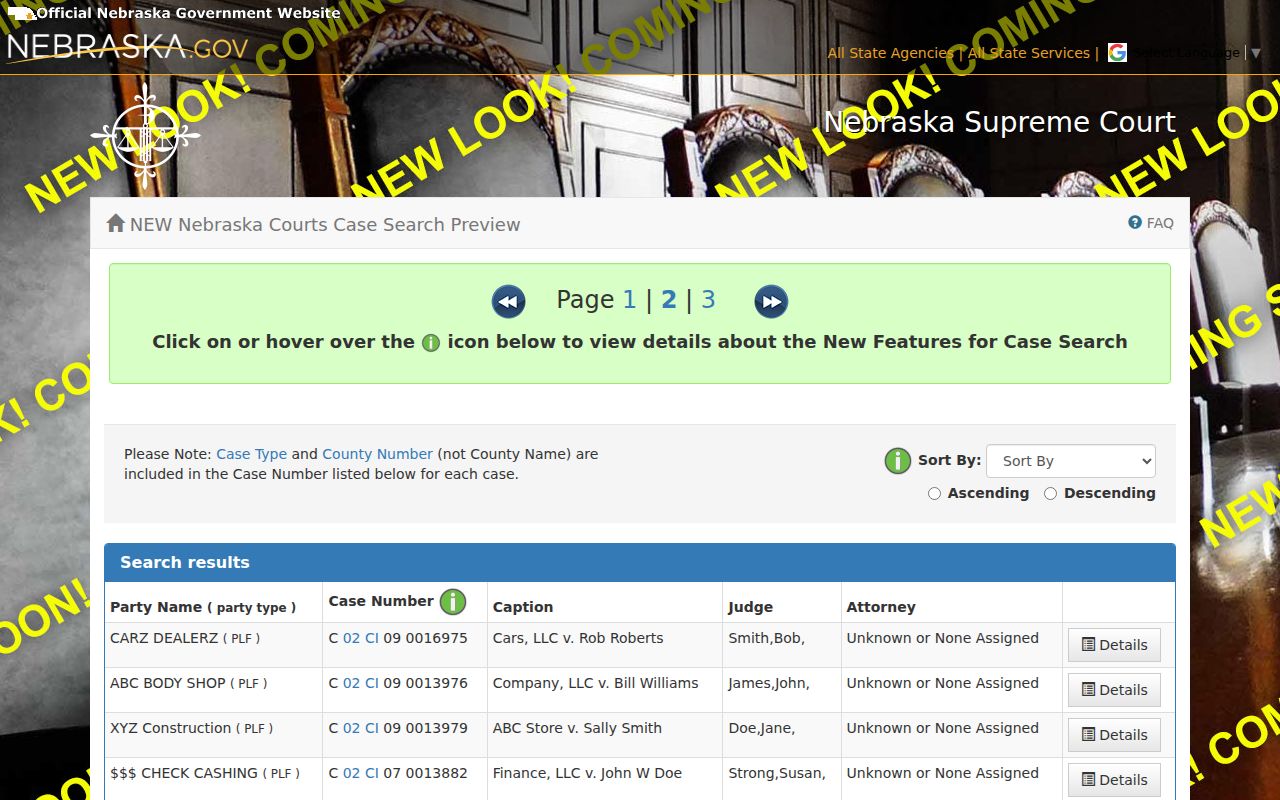
A common surname pulls in hits from many courts and case types. Trust the case number and court field over the name. Those two details are what make the next step of a docket search reliable.
York Civil Docket Case Types
York County Court holds concurrent civil jurisdiction up to $70,000. That figure comes from the current Judicial Branch description. Small claims and probate sit in their own classifications there. York District Court handles the major civil matters. It is the general-jurisdiction trial court. Probate, guardianship, conservatorship, and adoption belong to County Court. Access to certain filings can be restricted. Ignore the historical dollar figure on older court-structure charts.
| Likely record category | York search starting point | JUSTICE cue |
|---|---|---|
| County Court civil | York County Court | CI and the listed subtype |
| Small claims | York County Court | SC |
| Probate | York County Court | PR, subject to access limits |
| Major civil matter | York District Court | District Court with civil classification |
The Nebraska County Court description lays out the statewide County Court functions and the current civil threshold. If an amount or category sits near a jurisdiction line, go with the court named on the official filing and ask that clerk where the case should be routed. The dollar amount alone will not settle the question.
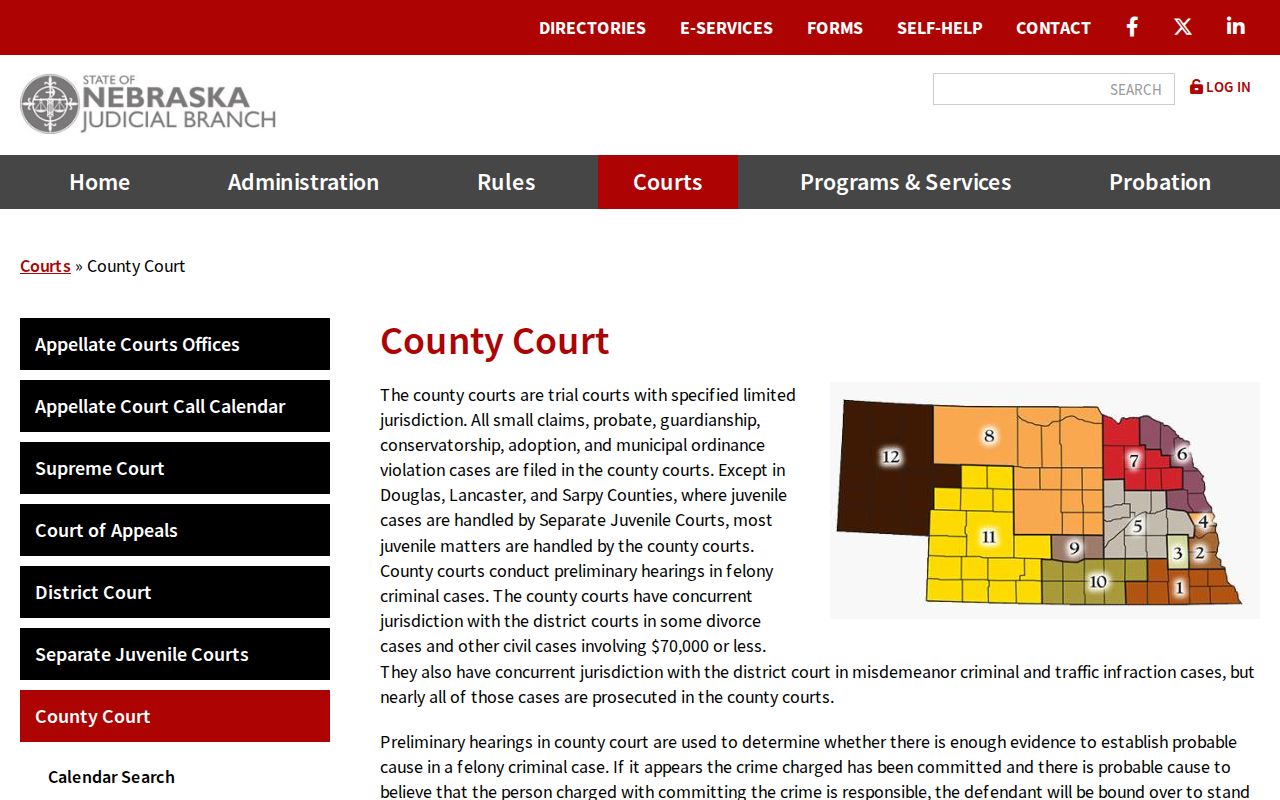
Sort the category before you search, or probate and small claims records can blend into a District Court civil lookup. A city ordinance complaint also does not become a civil case just because a city appears in the caption.
Inside a York County Civil Docket
A York civil case view opens with the basics. It lists court and county, case ID, caption, subtype, filing date, status, judge, parties, and attorneys. The Register of Actions carries the chronological history. Expect an initiating complaint or petition, an answer, service activity, motions, orders, hearings, judgment-related entries, and later satisfaction information. Schedule and financial blocks appear separately, with dates, court costs, receipts, payments, and allocations.
| Case number | A County or District Court identifier that commonly includes the civil code CI, a year, and a sequence number. |
|---|---|
| Parties | The plaintiff and defendant, petitioner and respondent, or creditor and debtor roles displayed for the case type. |
| Filings and service | Complaint or petition, answer, summons, return of service, motions, and orders as accepted into the register. |
| Settings | Hearing or trial date, time, location, judge, and the setting type, including any later reset. |
| Judgment information | Judgment type and date, court costs, balance, payments, postjudgment costs, and satisfaction where the system displays them. |
The District Court records-maintenance rule names the parts of a court record: the register, trial docket, judge docket notes, financial record, indexes, and case file. That framework helps you read a district civil record. Just do not assume every component is available online.
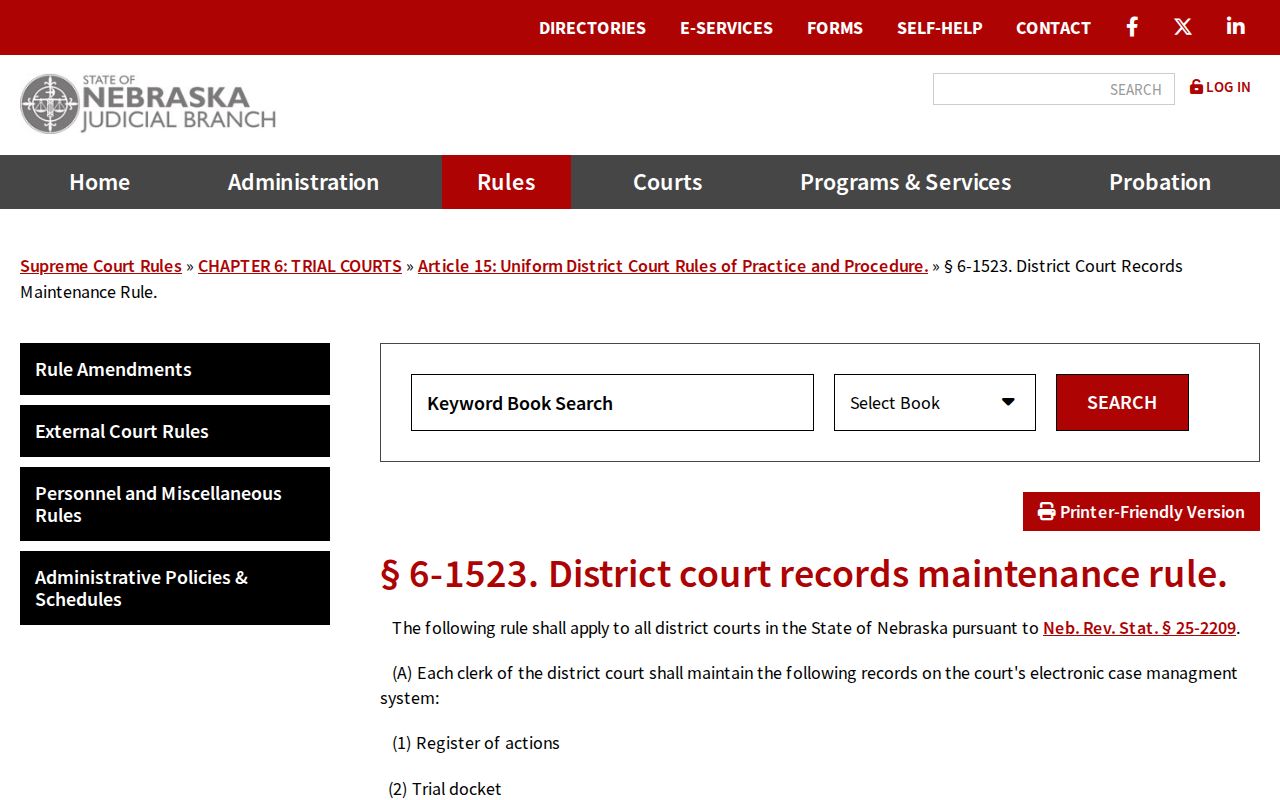
Images sit on a separate layer from the register. A pleading, order, or judgment listed in the docket may still need a clerk request. That applies when it is restricted, paper-only, older than the imaging period, or simply not yet posted as an image.
York Civil Docket Service Entries
Do not treat "summons issued" and "return of service" as the same docket event. The first means a summons was prepared or issued. The return records proof or the result of service. In between, the register may list other filings. Expect a complaint, cover sheet, answer, motion, hearing notice, or order. Read the events in date order, and the court file's story becomes clear.
- Register of Actions
- The court’s chronological list of filings, notices, hearings, orders, and other case events.
- Caption or case style
- The case title that identifies the opposing sides in their court roles.
- Summons issued
- An entry that a summons was produced or issued; it does not by itself establish completed service.
- Return of service
- The filed proof or outcome of service, which should be read with the underlying entry and any later order.
When an abbreviation is unclear, keep the exact event label and date. No York-specific public codebook decodes every shorthand entry. If the meaning affects a deadline or a court appearance, ask the clerk or read the filed document itself.
Civil Case Types on the Docket
A civil docket is not one uniform kind of case. Telling a standard civil action apart from small claims, probate, or a District Court matter takes context. Use the case type, subtype, caption, and court together. The public record shows the procedural path. The classification supplies the vocabulary and the context for what you can see.
- County Court civil cases within the court’s current jurisdiction description.
- Small claims cases, classified separately in the County Court system.
- Probate matters, including related guardianship or conservatorship proceedings where public access permits.
- District Court civil matters, including larger or general-jurisdiction cases.
- Judgment and postjudgment entries, which may arise in a civil case but require the underlying subtype for context.
Rely on the category shown in JUSTICE rather than labeling a case from the parties' names. For a fuller statewide workflow through the same public system, see the contextual York County case lookup page.
York Civil Docket Judgment Entries
One line reading “judgment entered” is not the whole money story of a York civil case. The case view tells you more. Judgment type and date appear there. So do creditor and debtor, court costs, a running balance, financial activity, postjudgment costs, and satisfaction details. A payment made later, an allocation, a satisfaction, or a new order can all shift what the summary seems to say today.
So pair the judgment block with the Register of Actions. A displayed balance alone proves little. When the amount, the parties, the date, or the satisfaction status matters for an official purpose, pin down the exact order or judgment. Request that record from the clerk. The public docket describes the case history. The certified document remains the stronger proof of the filing you actually need.
Civil Docket Settings and Hearings
A civil docket setting usually lists the date and time. It also names a courtroom or other location, the judge, and a description of the hearing or trial. A scheduling order often controls what comes next, and deadlines follow it. A continuance or reset can wipe out an earlier date without fanfare. Before trusting any date as current, read the most recent register entry.
Nebraska also runs a separate court calendar portal. It filters by County or District Court, by county or district, by date, or by last name. Handy for a quick hearing search. But an empty calendar result does not prove no setting exists. For a York date that matters, check the latest case register too. Then confirm with the right clerk.
York Civil Docket History Check
York put its JUSTICE civil and small-claims records online in October 1999. Anything older may live elsewhere. A civil file from before that date can sit in paper, on microfilm, or in a retained index even when nothing shows in the public online view. A missing image can also mean the record is old, still being converted, covered by a confidentiality rule, or simply never added to the electronic image layer.
Ask about an older case with specifics. Give the court and the complete party name. Add the case number if you have it, the rough year, and the document or index you want. The York County Court counter sits at 510 Lincoln Avenue, Room 211, telephone (402) 362-4925. York District Court’s clerk works in the same courthouse at (402) 362-4038. Either clerk can point you to the right record path. So treat a failed online search as a prompt to call. It is not proof the case never existed.
Civil Docket Access Rules
In Nebraska, court filings are public. A rule, a statute, or a court order must say otherwise. York civil access starts in several places. JUSTICE works. So does its subscriber service for heavy users. The official calendar covers settings, and an electronic public terminal sits at a trial-court clerk office or the State Library. A clerk will search a specific record when you supply complete party and case details. An attorney eFiling account is not a stand-in for general public access.
When the online route falls short, call the right counter or visit it before traveling. Under CC-3-29, the court can email or mail copies once the fee is prepaid. A broader written Judicial Branch request under the Nebraska Public Records Act can go through the State Court Administrator. Try that route when it fits. But a specific York court file belongs first with the court clerk. Sealed material, adoption records, protected identifiers, and other confidential filings stay off limits.
Key Rules:
Nebraska public-access rule, §§1-801–1-810 recognizes JUSTICE, authorized remote access, and other court-record channels while preserving access restrictions.
Nebraska public-viewing rule, §2-215 makes filings public unless restricted and provides for public electronic terminals and paid paper copies.
Nebraska Public Records Act, §84-712 allows examination during office hours and copies subject to the statute and applicable fees.
York Civil Docket Copy Route
Three different products hide behind the word “copy.” A docket entry is one thing, an available document image another, and a certified court copy something else again. The public register shows the date and label. Look there for a complaint, an order, or a judgment. Need the filed document itself? Use the official CC-3-29 file-copy request, naming the court, the county, the case number, the case name, and the document you want with its date if known.
The form spells out its fees. An emailed non-certified electronic copy costs nothing, while a mailed non-certified paper copy runs $0.25 per page. Certification by email is $1 per request; certification by mail is $1 per seal plus $0.25 per page. All costs are prepaid. Check with the York clerk on current receiving and payment instructions before you send anything. No York-specific online payment button, fax acceptance, or copy-request email address is established here.